
Next.js vs Webflow: Which Is Right for Your Business?
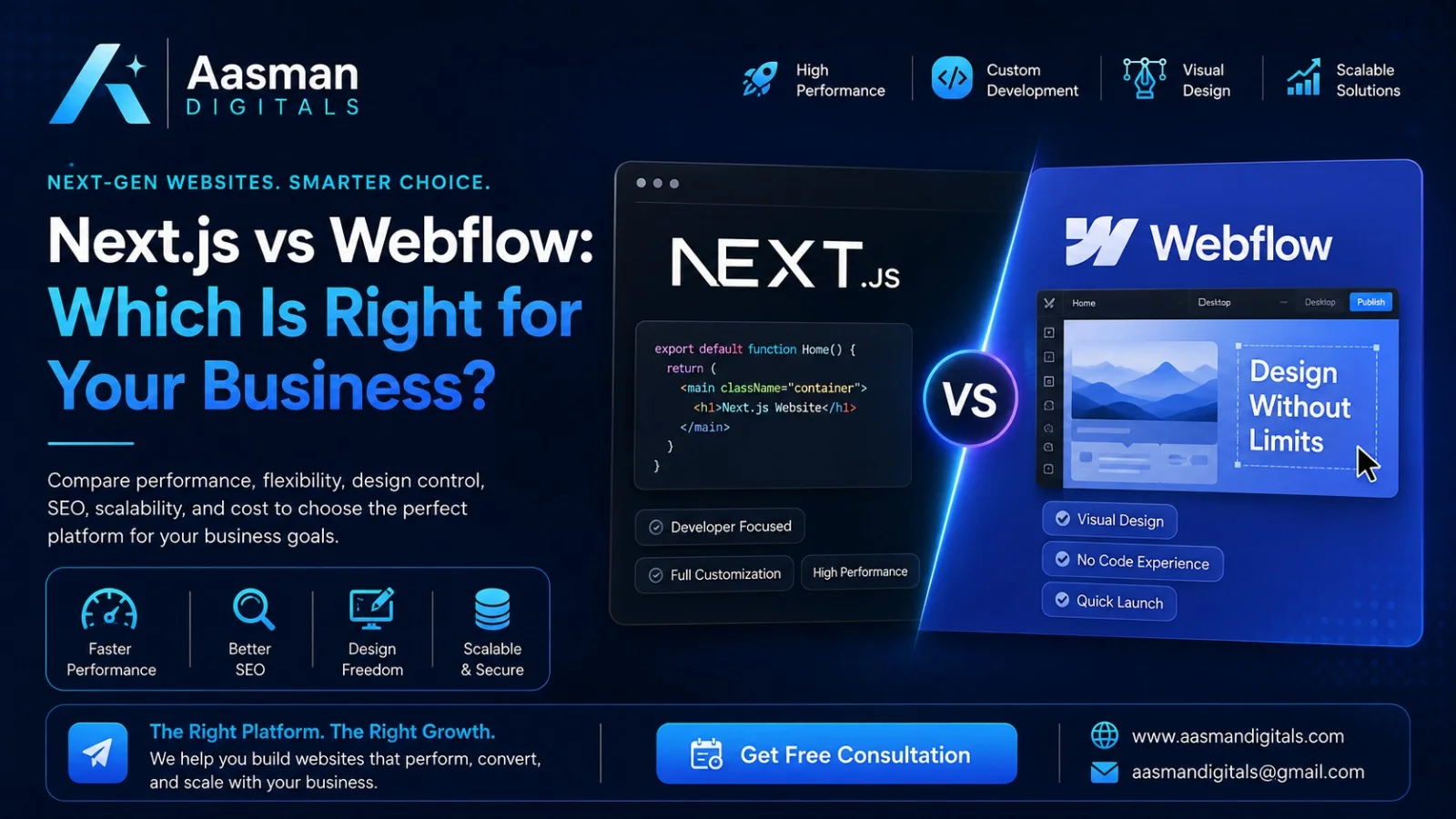
Choosing the right technology for your website can have a direct impact on how quickly you launch, how easily your team can manage content, and how well the website handles future growth. Next.js and Webflow are two of the most popular choices that often come up in this decision
The question of Next.js or Webflow isn't much about which one is better, and more about what your business needs.
Next.js is a React framework for creating full-stack web apps, and Webflow is a platform that provides website development, content management, hosting and website management.
Webflow can offer a more rapid visual workflow for marketing websites. For a highly customized website, web application, or digital product, Next.js offers much more control over the technical architecture.
What Is Next.js?
Next.js is a React framework that enables the creation of modern websites and full-stack web applications. It offers routing, rendering, data fetching, caching, and app development capabilities without requiring the developer to set up each of the tools.
Unlike a visual website builder, Next.js require a development team to build the website through code. This provides businesses with more control over the functionality, integrations, performance and overall architecture.
In cases where a site requires more than the standard marketing pages, Next.js is useful. In scenarios like SaaS platforms, dashboards, marketplaces, custom portals, complex e-commerce experiences, or websites with multiple APIs, a coded framework might be more suitable.
What Is Webflow?
Webflow is a website design platform that enables marketers and designers to create a website using a visual canvas and offers CMS, website hosting, and other website management capabilities.
Teams can design pages visually and add, edit, delete, or manage content in Webflow's CMS without having to write each one from scratch. It is perfect for blogs, case studies, service pages, team profiles, and other repeatable content, as its CMS supports structured content collections.
What sets Webflow apart is the support for custom code and developer tools, too, so it isn't limited to basic drag-and-drop websites.
Next.js vs Webflow: Key Differences
The biggest difference between Next.js and Webflow is how a website is built and managed.
Factor | Next.js | Webflow |
Development | Code-based | Visual development |
Best suited for | Custom websites and web applications | Marketing and business websites |
Technical skill | Developer required | Designers and marketers can manage many tasks |
Custom functionality | Very high flexibility | Strong, but platform-dependent |
Content management | Usually paired with a CMS | Built-in CMS |
Design workflow | Developer/design system driven | Visual design environment |
Scalability | Excellent for complex applications | Strong for many content-led websites |
Maintenance | Requires development support | Easier for routine content changes |
Launch speed | Depends on development scope | Often faster for marketing sites |
Neither option wins every category. The right decision depends on your business model, internal team, website goals, and expected growth.
Design and Development Flexibility
If your priority is complete control over how the website works, Next.js has the advantage.
Because the website is built with React and Next.js, developers can create custom components, application logic, API connections, authentication systems, interactive interfaces, and other functionality according to the project's requirements.
Webflow takes a different approach. Its visual canvas allows teams to create custom layouts and animations without building every element through code. Developers can still extend Webflow with custom code when required.
If you're looking to create a creative agency website, business website, portfolio or service business, Webflow can give you more design freedom. When the product is more like an application than a typical website, Next.js is typically the better choice.
Content Management and Marketing
This is an area where Webflow can be particularly convenient. The Webflow CMS allows a marketing team to create and manage structured content without a developer to update every page. For instance, a company can create blog posts, case studies, service pages and other content through the CMS from a single system.
Next.js does not function as a traditional visual CMS by itself. It is typically associated with a headless CMS like Contentful, WordPress, or another content platform. The Next.js documentation contains examples on how to use Next.js with headless CMS platforms.
In other words, while Next.js can provide a great content setup, it generally requires more work and planning.
Performance and Scalability
Performance should be considered based on the actual website rather than simply choosing a platform because it is known to be fast.
Next.js provides tools for different rendering approaches, caching, data fetching, and application optimization. This makes it suitable for websites where performance requirements are closely tied to custom functionality and large-scale application architecture.
Webflow provides managed hosting and a visual development environment, which can simplify deployment and maintenance.
For a standard business website, Webflow can deliver the performance a company needs without the development overhead of a custom application. If your website is expected to become a complex digital product, Next.js gives developers more control over how the application is built and optimized.
SEO Considerations
Both Next.js and Webflow can support an SEO-focused website. The platform itself does not guarantee rankings.
With Next.js, developers have extensive control over technical SEO elements, page structure, metadata, rendering, internal linking architecture, structured data implementation, and performance optimization. Next.js also includes tools and guidance for adding metadata to applications.
Webflow provides a visual environment with built-in SEO capabilities and structured content management. It can work well for businesses that need search-friendly service pages, landing pages, blogs, and other marketing content.
The more important question is whether your team can consistently maintain technical SEO, content quality, page speed, structured data, and a clear site architecture.
Webflow vs React: Are They the Same?
The Webflow vs React comparison can be confusing because they solve different parts of the website development process.
React is a JavaScript library for building user interfaces, while Next.js is a framework built around React. Webflow is a visual development and website management platform.
In fact, Webflow can work alongside React. Webflow supports developer workflows that connect its visual environment with React components, and its developer documentation includes DevLink for working with React components.
So businesses do not always have to treat Webflow and React as completely separate choices. A project can use Webflow for content and visual management while React or Next.js handles more advanced application functionality.
Which Is the Best Website Builder 2026?
There is no single best website builder 2026 for every business.
Current website-builder comparisons continue to rank different platforms for different use cases, which highlights an important point: the best platform depends on what you are trying to build.
Webflow is a strong choice when you need a polished marketing website, visual design control, structured content management, and a workflow that allows designers and marketers to make regular updates.
Next.js is a better fit when your website requires custom application functionality, advanced integrations, unique user experiences, or an architecture designed around long-term technical scalability.
When Should Your Business Choose Webflow?
Webflow is often the practical option when your primary goal is to launch and manage a professional business website.
It can make sense for:
Service-based businesses
Creative agencies
Corporate websites
Startup marketing websites
Portfolio websites
Landing-page-driven businesses
Content-focused websites
Teams where marketers need direct control over website content
If your website mainly needs pages, forms, blogs, case studies, animations, lead-generation elements, and integrations, Webflow can provide the functionality without introducing unnecessary development complexity.
When Should Your Business Choose Next.js?
Next.js becomes more attractive when your website needs to function as a digital product.
It can be a strong fit for:
SaaS platforms
Custom dashboards
Membership platforms
Complex e-commerce experiences
Web applications
API-heavy websites
Custom customer portals
Websites with complex business logic
Products requiring highly customized interfaces
The main advantage is flexibility. Your developers are not limited to the features available inside a visual website platform.
Next.js vs Webflow: Which One Should You Choose?
The answer comes down to your business requirements.
Choose Webflow if you want a visually polished website that your marketing team can manage easily and your requirements are primarily focused on content, design, lead generation, and brand presentation.
Choose Next.js if you need a highly customized website or web application where functionality, integrations, performance control, and future technical requirements are more important than having a visual editing workflow.
For some businesses, a hybrid approach can also make sense. Webflow can manage marketing content while React or Next.js powers more complex digital experiences. Webflow itself supports React-related development workflows, making this approach possible for teams with the right technical setup.
Create a website that is right your Business
Before deciding between Next.js vs Webflow, take your business goals into consideration, rather than the technology.
It can be costly to maintain a website that appears good but is not easy to take care of. Similarly, a marketing website doesn't always require the complexity it would take to build a full Next.js application.
Web development is embedded in a greater digital growth strategy at Aasman Digitals. The team is experienced in creating websites using Next.js, React, Webflow, Shopify, headless CMS platforms, APIs, and other technologies, all tailored to specific business needs.
The aim should be the same for any Webflow website, or custom NextJS experience: to build a website that serves your brand, marketing needs, customers and future growth.
Looking to create or redesign your business website? There is a technology for every project, so contact with Aasman Digitals about what technology you should use next.